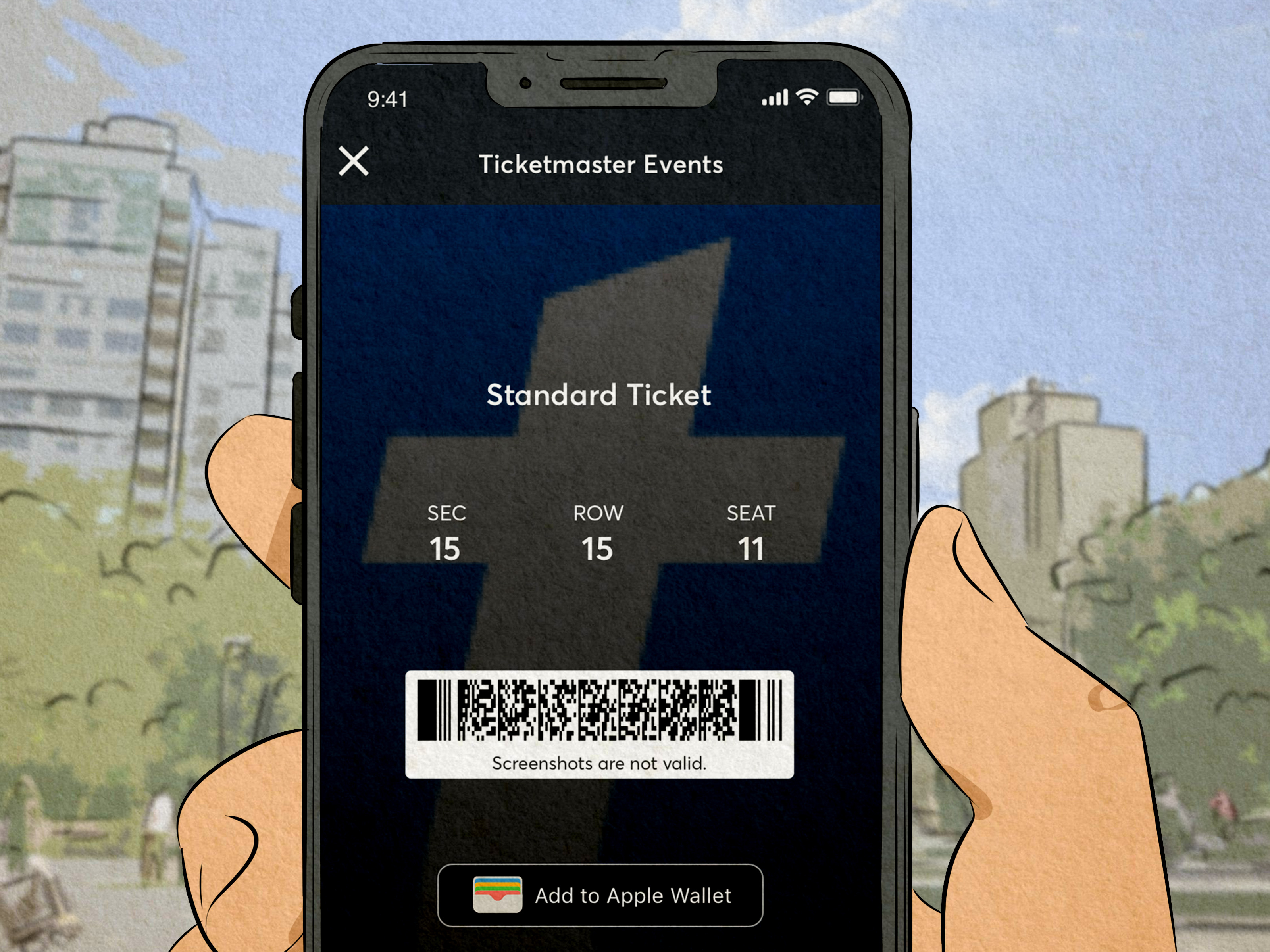
Trying to buy hot concert tickets on Ticketmaster can feel like training for an Olympic sport, except the sport is clicking “Join Queue” while your heart rate argues with your Wi-Fi router. That is exactly why many major tours use Ticketmaster Verified Fan or similar artist presale systems: they are designed to give real fans a better shot at presale access before tickets hit the general public.
Still, becoming a “Verified Fan” is not quite like getting a blue checkmark and strolling into the front row with confetti falling around you. It is a registration process, usually tied to a specific artist, tour, event, or presale window. You sign up, Ticketmaster reviews or authenticates your account, and if demand is higher than available tickets, selected fans may receive access while others may be placed on a waitlist.
This guide explains how to become a Verified Fan on Ticketmaster for presale, how the process really works, what to do before the sale starts, and how to avoid mistakes that can make Ticketmaster think you are a bot wearing a fake mustache.
What Is Ticketmaster Verified Fan?
Ticketmaster Verified Fan is a system used for high-demand events to help identify real people before a presale begins. The goal is simple: reduce automated bot activity, slow down mass ticket buying, and give genuine fans a more organized path into the sale.
Verified Fan does not mean Ticketmaster personally confirms that you have cried to every bridge of your favorite artist’s discography. It means your Ticketmaster account, email, phone number, and registration details are used as part of a screening process before the presale.
For some events, fans who register and are selected receive a unique access code and a link to the sale. For other artist presales, access may be tied directly to the Ticketmaster account used during signup, and no separate code may be needed. The exact setup depends on the event organizer, artist team, venue, and ticketing arrangement.
Important Truth: Registration Does Not Guarantee Tickets
This is the part nobody wants to hear, so let’s say it clearly: registering as a Verified Fan does not guarantee that you will get a ticket. It also does not always guarantee that you will receive a presale code.
When demand is manageable, more registered fans may be invited to shop. When demand is massive, Ticketmaster may use a selection process to determine who receives access and who lands on the waitlist. Even if you receive a code or presale access, tickets are generally still sold on a first-come, first-served basis and can disappear quickly.
Think of Verified Fan as getting past the first castle gate. You are closer to the dragon, but you still have to win the sword fight, dodge the service fees, and make it through checkout before someone else grabs the seats.
How to Become a Verified Fan on Ticketmaster for Presale
1. Create or Sign In to Your Ticketmaster Account
Start with the basics: you need a Ticketmaster account. Use an email address you can access quickly and a phone number that can receive verification messages. Do not wait until five minutes before registration closes to remember that your old password was “concertlover123” and your email inbox is a haunted forest.
Before signing up for a Verified Fan presale, log in and confirm that your name, email, phone number, billing details, and password are current. If you have trouble signing in, reset your password in advance. A presale is not the ideal moment to discover your account security settings have chosen violence.
2. Verify Your Email and Phone Number
Ticketmaster often requires email and phone verification to help fight malicious technology and protect accounts. You may receive a one-time code by email, text message, or phone call if using an accepted landline. Enter that code on the verification screen to complete setup.
Use a real mobile number or supported phone number. Some virtual numbers, VoIP services, payphones, and similar methods may not be accepted. If you are traveling, make sure your phone can receive messages and that Do Not Disturb is off. Tiny detail, huge impact.
3. Find the Official Presale Registration Page
Verified Fan registration is usually not open forever. Each tour or event has its own signup window, and once that window closes, you generally cannot join that presale. The safest place to find the registration page is through Ticketmaster, the artist’s official website, the artist’s official social channels, the fan club, Live Nation, or an official event announcement.
Avoid random links from strangers promising “guaranteed codes.” That is not fandom; that is phishing wearing a glitter jacket. Always check that you are on the correct Ticketmaster or official partner page before entering account information.
4. Choose the Presales or Shows You Want
During registration, you may be asked to select the show, city, date, or presale option you want. Review everything carefully: venue, time zone, date, and location. A Los Angeles presale and a New York presale are not interchangeable, no matter how confident your browser tabs look.
Some tours allow fans to select more than one show or rank preferences. Others may only allow one registration or limit the number of events you can choose. Follow the rules shown on the signup page because event-specific instructions override general advice.
5. Submit Registration Before the Deadline
After selecting your desired presale, click or tap “Sign Up” and wait for the confirmation page. That confirmation matters. It is your sign that the registration went through. You may also receive an email confirmation or reminder depending on the event.
Do not assume that browsing the page counts as registration. It does not. Ticketmaster will not read your mind, even if your mind is screaming “front row, please.”
6. Watch for the Presale Email or Text
The day before the presale, selected fans may receive an email with instructions, a link, and sometimes a unique access code. For some presales, the code may arrive by text message. For other artist presales, access may be tied to your account and unlocked through the official link without a traditional code.
If you are waitlisted, do not panic-refresh your soul. Waitlisted fans may be notified later if more tickets become available or if the organizer releases additional access. Keep checking your email, text messages, spam folder, and official updates.
Types of Presales You May See on Ticketmaster
Verified Fan Presale
This is the presale most fans think of when they ask how to become a Verified Fan on Ticketmaster. You register in advance, Ticketmaster authenticates your account, and selected fans receive access to shop during the presale window.
Artist Presale
An artist presale may require signing up through the artist’s page or official announcement. In some current Ticketmaster setups, fans who sign up in advance can join the presale through their account, and no code is required unless the presale is handled by another ticketing company.
Fan Club Presale
Fan club presales are often reserved for members of an artist’s official fan club. Some fan clubs charge a fee, so read the details before joining. A membership can be useful, but it is not a magic carpet to Section A, Row 1.
Credit Card Presale
Some banks and card issuers offer presale access for eligible cardholders. These presales may require using a specific card type or entering a code linked to that card. Citi, Chase, Capital One, and other issuers have offered entertainment-related access for certain events, but availability varies.
Live Nation Presale
Live Nation presales may be available for members or users signed in with the same email address connected to Live Nation access. Depending on the event, the presale may unlock automatically or require a code shown on the Live Nation event page.
How to Prepare Before the Presale Starts
Update Your Account Details
Before presale day, sign in to your Ticketmaster account and confirm your profile information. Make sure your email, phone number, billing address, and payment method are accurate. If Ticketmaster asks for verification, complete it early.
Know Your Budget
Decide your maximum price before the sale begins. Ticket buying becomes emotional very quickly. One minute you are a responsible adult with a budget; the next minute you are considering VIP floor seats and telling yourself, “Groceries are temporary, memories are forever.”
Set a realistic range, including taxes and fees. If prices are higher than expected, have a backup plan rather than making a panic purchase you regret later.
Pick Backup Dates and Sections
For popular tours, your first-choice seats may sell out instantly. Choose backup sections, alternate dates, or nearby cities before the sale. Fast decisions matter. The fewer choices you have to make under pressure, the better your odds of completing checkout.
Use a Stable Internet Connection
Use a secure, reliable connection. Avoid crowded public Wi-Fi when possible. Ticketmaster may flag unusual traffic patterns, VPNs, proxy tools, or behavior that looks automated. If your connection is unstable, your queue experience may become a suspense movie nobody asked to watch.
What to Do During the Ticketmaster Presale
Join the Waiting Room Early
Ticketmaster often recommends joining the waiting room up to 15 minutes before the sale begins. If you enter after the sale starts, you may end up at the back of the line. Joining early does not guarantee the front of the queue, but it helps you avoid missing the opening process.
Use One Account, One Device, and One Browser
One of the biggest mistakes fans make is opening multiple browsers, tabs, or devices for the same sale. Ticketmaster warns that this can look like bot-like activity and may cause problems. Use one account, one device, and one browser for the event you are shopping.
If there are multiple event dates, Ticketmaster may allow separate tabs for separate sales, but do not assume this applies to every event. Read the sale instructions carefully.
Do Not Refresh the Queue Page
Once you are in the queue, stay on the page. The queue usually updates automatically. Refreshing, closing the page, switching devices, or trying to rejoin can push you backward or cause errors.
Yes, staring at a queue screen is boring. No, refreshing it every 12 seconds will not summon better seats. It may only summon regret.
Move Quickly When It Is Your Turn
When your turn arrives, you may have a limited time to shop. Use the seat map, filters, or best available option to choose tickets. If your first selection disappears, try another section or price level quickly.
Tickets are not yours until checkout is complete. Having seats in view is not the same as owning them. The finish line is the confirmation page.
Common Verified Fan Mistakes to Avoid
Trying to Buy or Share a Code
Verified Fan access codes are typically unique and tied to the selected Ticketmaster account. Buying a code from someone online is risky and often useless. If the code is not connected to your account, it may not work. Save your money for tickets, parking, merch, or the emotional support pretzel you will need after checkout.
Missing the Registration Window
Once registration closes, you usually cannot join that specific presale. Follow the artist, venue, Ticketmaster, and Live Nation for alerts so you do not miss announcements.
Ignoring the Ticket Limit
Ticket limits are serious. If the event has a four-ticket limit and you try to exceed it, your order may fail or be canceled. Read the limit before buying, especially if coordinating with friends.
Using the Wrong Account
If you registered with one Ticketmaster email but sign in with another, access may not appear. Use the exact account that completed registration. This is not the moment to discover you have three Ticketmaster accounts from three different eras of your life.
Does Verified Fan Improve Your Chances?
Verified Fan can improve your chance of accessing a presale because it places you in the correct registration pool before the sale. It can also reduce some bot interference and organize demand. However, it does not create more seats. If a stadium has 50,000 seats and 900,000 fans want tickets, the math is still rude.
Your best strategy is to register early, keep your account clean and updated, follow official instructions, join the waiting room on time, avoid bot-like behavior, and have backup options ready. Verified Fan is not a guarantee, but preparation can make the difference between checkout success and dramatically whispering “why” at your laptop.
Extra Tips for Better Presale Results
Follow the Artist Everywhere Official
Artists often announce presales through newsletters, social media, fan clubs, and official websites. Ticketmaster alerts are useful, but do not rely on one source. Follow the artist, venue, promoter, and ticketing page so you catch registration windows early.
Coordinate With Friends Beforehand
If multiple friends are trying for tickets, agree on dates, seating areas, price limits, and who is buying. Do not wait until someone is at checkout to begin a group debate about aisle seats versus lower bowl. That is how friendships enter their villain era.
Save Payment Information
Accepted payment methods may vary by event, but having your payment information ready can save valuable seconds. Make sure your card is not expired and that your bank will not block the purchase as suspicious.
Check for Additional Sales
If you are not selected or tickets sell out, look for other presales, fan club opportunities, venue presales, credit card presales, general sales, official resale, and added tour dates. Many fans get tickets after the first presale. The first battle is not always the whole war.
Experience-Based Advice: What It Feels Like to Use Ticketmaster Verified Fan
The real experience of trying to become a Verified Fan on Ticketmaster is a blend of preparation, patience, and controlled chaos. The first lesson is that the process begins long before the presale clock starts. The fans who usually feel most prepared are the ones who treat registration like a calendar event, not a casual “I’ll do it later” errand. They create or update their Ticketmaster account, confirm their phone number, check their email, and save the official signup link as soon as the artist announces it.
A smart approach is to build a tiny presale command center. That sounds dramatic, but it can be as simple as writing down the presale date, local time, Ticketmaster account email, budget, preferred sections, backup sections, and maximum ticket quantity. When the sale begins, your brain may turn into a loading icon. Notes help.
Another experience-based tip: do not underestimate how quickly seats disappear. During a high-demand sale, you may click on a pair of tickets and see them vanish before checkout. This is normal, though deeply annoying. Instead of freezing, move to your next option. Fans who succeed often make fast, practical choices rather than hunting endlessly for perfect seats. Perfect can become sold out in five seconds.
It also helps to understand the emotional side. Waiting in the queue can feel personal, but it is not. A long wait does not mean you did something wrong. Being waitlisted does not mean you are a fake fan. Ticketmaster demand can be enormous, especially for major pop, country, hip-hop, K-pop, rock, sports, comedy, and theater events. Sometimes there are simply more fans than tickets.
One of the biggest lessons from real ticket-buying experiences is to stay calm during errors. If your page pauses, your cart fails, or your first choice disappears, avoid frantic refreshing unless Ticketmaster specifically tells you to. Refreshing at the wrong time can make things worse. Keep your screen active, follow the page instructions, and switch strategies only when necessary.
Finally, treat Verified Fan as one opportunity, not the only opportunity. Many fans eventually get tickets through later drops, official resale, added shows, venue releases, or friends who bought extras within the ticket limit. The best mindset is hopeful but flexible. Register early, follow the rules, prepare like a responsible adult, and then accept that the ticket gods may still demand snacks, patience, and one very deep breath.
Conclusion
Learning how to become a Verified Fan on Ticketmaster for presale is really about learning how Ticketmaster presales work. You need an updated account, verified contact information, an official registration link, careful show selection, and a calm plan for sale day. The system is designed to help real fans access high-demand events, but it does not guarantee tickets or eliminate competition.
The best fans are prepared fans. Register before the deadline, watch your email and texts, join the waiting room early, use one device and browser, avoid refreshing, respect ticket limits, and keep backup choices ready. You may not control demand, pricing, or the queue, but you can control your preparation. And in the wild world of Ticketmaster presales, preparation is the closest thing to a backstage pass.
Note: This article is written for informational purposes only. Ticketmaster presale rules, registration windows, ticket limits, access codes, and queue procedures can vary by event, artist, venue, and promoter, so readers should always follow the official instructions shown on the specific event page.