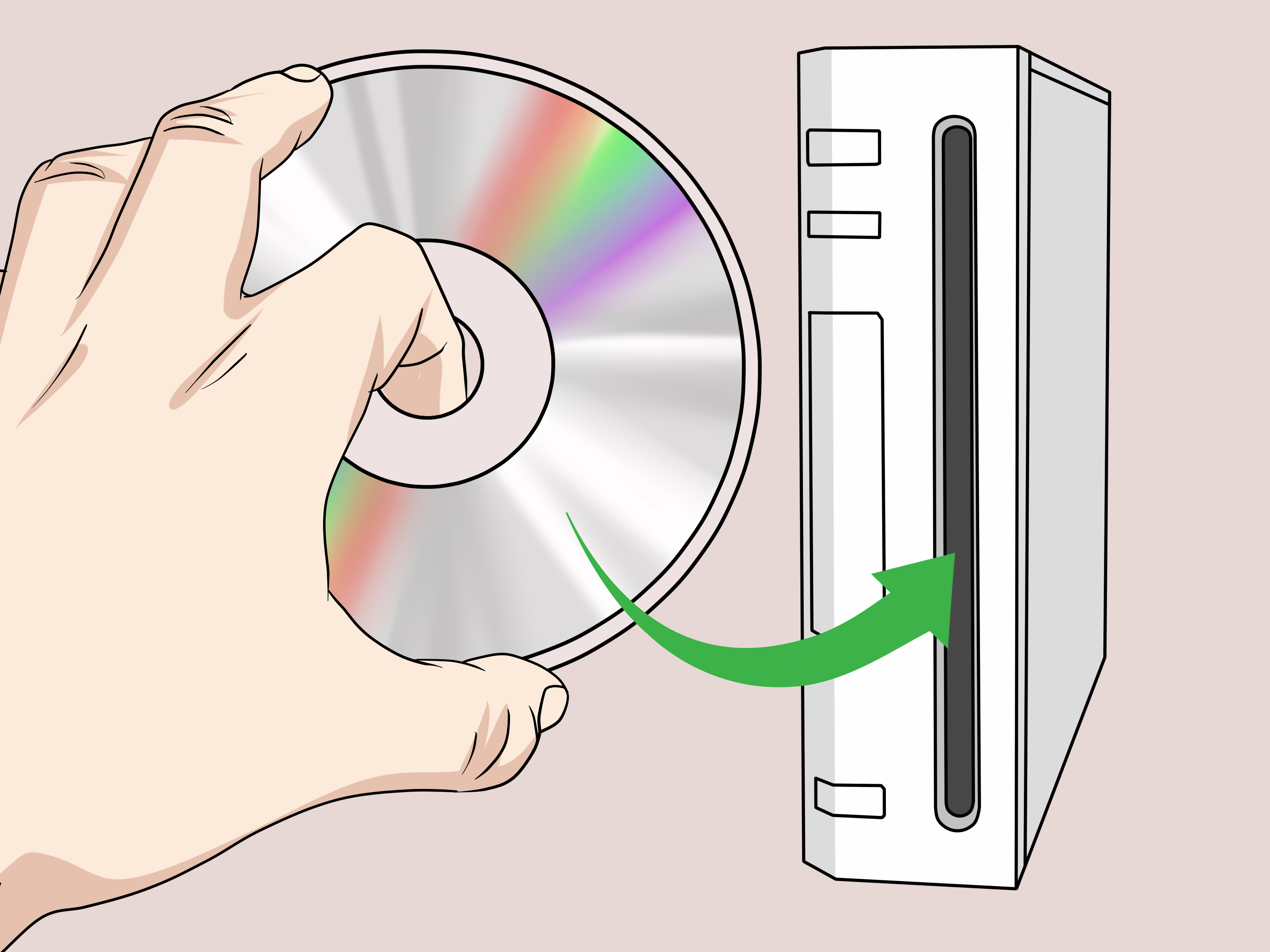
Search for “how to burn Wii games to disc,” and you will quickly discover that the internet has opinions. Loud opinions. Some make it sound as easy as burning a playlist in 2006. Others make it sound like you need a soldering iron, three lucky rabbits’ feet, and a pact with a forgotten DVD burner. The truth is more practical, more legal, and slightly less dramatic: burning Wii games to disc is not a recommended path for most players, especially if the goal is to play commercial Nintendo Wii titles.
This guide explains the topic clearly without walking you into legal quicksand. We will cover what people usually mean by “burning Wii games,” why retail Wii discs are not the same as ordinary DVDs, what is legal and what is not, how to protect the discs you already own, and what safer alternatives exist for keeping your Wii library playable. In other words, this is the “don’t turn your nostalgic gaming night into a copyright problem” version of the guide.
What Does “Burn Wii Games to Disc” Actually Mean?
When people talk about burning Wii games, they usually mean taking a game file from a computer and writing it onto a blank DVD. In everyday computer terms, “burning” a disc simply means using an optical drive to write data onto recordable media such as DVD-R or DVD+R. That part is ordinary technology. The tricky part is the word “Wii.”
Nintendo Wii games were sold on proprietary optical discs designed for the Wii console. They are not the same as a home movie DVD or a simple data disc. A standard computer can burn files onto a blank DVD, but that does not magically turn the disc into an authentic Wii game disc. The Wii was designed to read official Wii and GameCube game discs, not random burned copies from the craft aisle of the internet.
That distinction matters. A blank DVD may physically fit into the Wii’s disc slot, but physical fit is not the same as compatibility. A sandwich also fits in a toaster, but that does not mean the toaster has agreed to the relationship.
The Legal Reality: Ownership Is Not a Free Pass to Copy Everything
Many players ask a fair question: “If I own the original game, can I make a backup copy?” The answer is complicated, and it depends on copyright law, anti-circumvention rules, licensing terms, and where you live. In the United States, the most important issue is not only copying. It is also whether access controls or copy protection are being bypassed.
Nintendo’s position is clear: downloading unauthorized copies of its games is illegal, even when those files are called ROMs or backups. U.S. anti-circumvention law also restricts bypassing technological protection measures that control access to copyrighted works. That means a guide that explains how to defeat copy protection, download game files, or prepare unauthorized Wii discs is not simply a harmless retro hobby tutorial.
For a web publisher, this is important. An article that gives step-by-step instructions for burning copyrighted Wii games may attract traffic, but it can also attract takedown requests, legal complaints, and readers who were hoping for responsible advice. Great SEO brings visitors in; bad legal advice chases them into a hedge.
Can a Normal Wii Play Burned Game Discs?
In ordinary circumstances, a standard, unmodified Wii is built to play official Wii and GameCube discs. It is not designed to boot burned copies of commercial Wii games. Some older online discussions mention modified consoles, special drive revisions, custom firmware, or hardware changes, but those topics often involve circumventing Nintendo’s protections. They also introduce real risks: bricked systems, damaged drives, unreliable reads, malware from shady downloads, and a general sense that you should have gone outside instead.
Even from a purely technical perspective, burned discs are not ideal. Optical drives age. Wii consoles are now retro hardware, and their disc drives are not getting younger. Recordable DVDs may have different reflectivity and quality compared with pressed retail discs. Cheap blank media can fail quickly, and a weak laser may struggle with burned discs more than official ones.
So, the practical answer is simple: if your goal is to play Wii games reliably, use original discs whenever possible. If your goal is preservation, focus on lawful preservation practices and safe storage rather than unauthorized disc burning.
Why People Want to Burn Wii Games in the First Place
The search term exists for a reason. Wii owners often have real problems, and not all of them are trying to pirate games. Some have scratched discs. Some have rare titles that are hard to replace. Some inherited a family Wii and want to protect childhood favorites like Wii Sports, Mario Kart Wii, or Super Smash Bros. Brawl. Others are collectors who worry that aging discs and consoles will eventually fail.
Those concerns are valid. Physical media is wonderful until it meets a toddler, a Labrador, or the bottom of a backpack. The Wii Shop Channel also closed for new purchases years ago, which makes the preservation conversation more emotional for long-time fans. However, frustration does not erase copyright rules. The better solution is to protect what you own, buy replacements through legitimate channels when needed, and understand what maintenance options remain.
What to Do Instead of Burning Wii Games
1. Keep and Maintain Your Original Wii Discs
The most reliable and legally clean option is still the original disc. Store Wii games in their cases, away from heat, sunlight, moisture, and dust. Avoid stacking loose discs like shiny pancakes. The underside of the disc is not a coaster, a mirror, or a place to test your cat’s opinions.
If a disc is dirty, clean it gently with a soft cloth, wiping from the center outward in straight lines. Do not wipe in circles, and do not attack it with household cleaners. If the disc has deep scratches, resurfacing by a reputable game shop may help, but results vary. Some discs are simply too damaged to save.
2. Troubleshoot Disc Read Errors Before Blaming the Game
If your Wii says it cannot read a disc, the problem may be the disc, the console, or the way the console is positioned. Check that the disc is inserted correctly, power the console off and back on, and test more than one official game. If only one disc fails, that disc may be dirty or damaged. If multiple official discs fail, the console’s disc drive may be wearing out.
Nintendo no longer offers factory repairs for Wii systems, so owners often look for used consoles, refurbished units, or reputable local repair shops. Because the Wii was popular, replacement hardware is still commonly available on the secondhand market. Prices vary, but buying a working used console is often easier than trying to force an aging drive to read burned media.
3. Buy Legitimate Replacement Copies
For damaged games, a replacement copy is often the simplest solution. Look at local game stores, reputable online marketplaces, thrift shops, and retro gaming communities. When buying used Wii games, check photos carefully. A complete copy with case and manual may cost more, but a clean disc from a trusted seller is usually worth it.
Be cautious with listings that offer “backup discs,” “reproduction discs,” or suspiciously large bundles of games for pennies. If the deal looks like a treasure chest guarded by copyright goblins, it probably is.
4. Consider Official Modern Re-Releases Where Available
Some Wii-era games have been re-released, remastered, or made available on newer Nintendo systems. Not every title is available, and licensing can be complicated, especially for music, sports, and third-party games. Still, checking official storefronts is worthwhile. A modern version may offer better resolution, updated controls, online features, or simply the peace of mind that comes with not wrestling an optical drive from 2006.
What About Homebrew and Personal Backups?
Homebrew is a broad term. Some homebrew projects are original, lawful software created by hobbyists. Others are tools used for preservation, modding, or experimentation. The problem is that homebrew discussions can quickly cross into bypassing copy protection, running unauthorized copies, or distributing copyrighted game files.
For publishers and readers, the safest approach is to separate lawful homebrew from copyrighted game copying. It is one thing to discuss maintaining hardware, organizing a physical game collection, or running original community-made software. It is another thing to explain how to defeat a console’s security checks or burn commercial games from downloaded files. This article stays on the safe side of that line.
Understanding Wii Disc Types and Hardware Limits
Original Wii discs are optical media, but they are not ordinary movie DVDs. The Wii’s drive, firmware, and disc authentication process were designed around official Nintendo media. Later Wii hardware revisions and the Wii mini removed or changed certain compatibility features, and GameCube support also depends on the model. For example, the original RVL-001 Wii model supports GameCube discs and controllers, while later family editions do not provide the same GameCube hardware support.
This is another reason “just burn it to DVD” is poor advice. Even when a burned disc is physically readable by a computer drive, that does not mean a retail Wii will treat it as an authorized game. Compatibility is not only about file size or disc format; it is also about authentication and console design.
Risks of Downloaded Wii Game Files
Downloaded Wii game files are risky for several reasons. First, unauthorized downloads are commonly illegal. Second, files from random websites may be mislabeled, corrupted, incomplete, or bundled with malware. Third, many pages promising “free Wii games” are built less like preservation libraries and more like digital raccoon traps.
Even if a file appears to work, there is no guarantee it is clean, accurate, or safe. A publisher-friendly article should never encourage readers to download commercial Wii games from unofficial sources. The better message is clear: keep your original discs, replace damaged copies legally, and avoid suspicious downloads.
How to Preserve a Wii Game Collection Without Burning Discs
Store Games Properly
Keep each disc in its original case or a high-quality archival sleeve. Store cases upright in a cool, dry room. Avoid garages, attics, and places where temperature swings make plastic and paper age faster. A little boring storage discipline today prevents a lot of “why does my childhood smell like mildew?” tomorrow.
Document Your Collection
Create a simple spreadsheet with the title, condition, purchase date, region, and whether the manual is included. Add notes for rare games or discs with light scratches. This helps with insurance, resale, collecting, and avoiding accidental duplicate purchases. Unless you want three copies of Just Dance 3, organization is your friend.
Use Protective Handling Habits
Hold discs by the edges or center hole. Put games back in their cases immediately after use. Do not leave discs on the console, TV stand, bed, carpet, or any surface where gravity and crumbs hold regular meetings. Teach younger players how to handle discs gently. The Wii was family-friendly; optical media is not toddler-proof.
Maintain the Console
Keep the Wii ventilated and dust-free. Avoid moving the console while a disc is spinning. If the console struggles with multiple clean official discs, the disc drive may be failing. At that point, replacement hardware may be more realistic than repair, especially because official factory service is no longer available for Wii consoles.
SEO-Friendly Answer: Should You Burn Wii Games to Disc?
For most readers, the answer is no. You should not burn Wii games to disc if that means copying commercial games, downloading Wii ISO files, bypassing copy protection, or trying to run unauthorized discs. It is legally risky, technically unreliable, and unnecessary for many common problems.
If your original disc is damaged, try careful cleaning, professional resurfacing, or buying a legitimate replacement. If your console no longer reads discs, test multiple official games and consider a replacement Wii. If you are interested in preservation, research the law in your country and avoid distributing copyrighted files. The goal should be to enjoy classic games responsibly, not to create a legal side quest with no save point.
Common Myths About Burning Wii Games
Myth 1: “If I Own the Game, I Can Download Any Copy Online”
Owning a physical game does not automatically give you permission to download unauthorized copies from the internet. Copyright law and anti-circumvention rules are more complicated than the “I bought it once” argument.
Myth 2: “A Burned DVD Is the Same as a Wii Disc”
A burned DVD and an official Wii disc are not the same thing. They may look similar from across the room, especially if you squint, but the Wii was built to recognize official game media.
Myth 3: “Burning Is the Best Way to Preserve Games”
Burning discs is not the best preservation strategy for most owners. Proper storage, careful cleaning, legitimate replacements, and hardware maintenance are safer, cleaner, and more reliable.
Personal Experience: What Wii Owners Learn the Hard Way
Anyone who has owned a Wii for long enough knows the console has a personality. It is cheerful, tiny, surprisingly durable, and occasionally dramatic about discs. One day it happily loads Mario Kart Wii; the next day it stares at the same disc like it has never seen a circle before. That is usually when people start searching for ways to burn Wii games to disc.
In real-world use, most “burn a Wii game” searches begin with panic. Maybe a favorite copy of Wii Sports Resort picked up scratches. Maybe a sibling left New Super Mario Bros. Wii outside its case. Maybe the console has started clicking, spinning, stopping, and producing the dreaded disc read error. The first instinct is to create a backup, but the smarter first step is diagnosis.
A clean original disc often works better than expected. Many Wii discs that look doomed are only dirty. A microfiber cloth and gentle center-to-edge cleaning can solve problems that feel much bigger than they are. On the other hand, deep circular scratches are bad news. Those usually come from rough handling or movement while the disc is spinning, and they are much harder to fix.
Another lesson: not every disc read problem is the disc’s fault. Older Wii consoles can develop drive issues. Dust, a weakening laser, or mechanical wear can make the system picky. If one game fails, suspect the disc. If five clean official games fail, suspect the console. This simple test saves time, money, and a lot of emotional speeches directed at innocent plastic.
Collectors also learn that replacement copies are often less stressful than technical workarounds. The Wii sold in huge numbers, and many common games are still easy to find used. Of course, some titles have become expensive, especially beloved first-party releases and harder-to-find RPGs. Still, buying a legitimate used copy usually beats experimenting with questionable files from websites decorated with twelve fake download buttons.
The biggest experience-based takeaway is this: preservation works best when it starts before disaster. Keep discs in cases. Keep the console stable. Do not move it during gameplay. Avoid lending rare games to friends who treat discs like drink coasters. Make a list of your collection. Check valuable titles occasionally. Store everything somewhere dry, cool, and boring. Boring is excellent for preservation.
For families, the Wii is often more than a console. It is a time capsule of bowling nights, living-room tennis, chaotic kart races, and someone accidentally throwing a virtual punch while holding the remote too enthusiastically. Protecting that library matters. But protecting it responsibly matters too. The best solution is not to chase risky disc-burning methods. It is to care for the games you own, replace what you can through legitimate sellers, and keep the hardware healthy for as long as possible.
So, while the phrase “how to burn Wii games to disc” may be popular, the better question is “how do I keep my Wii games playable?” That answer is safer, more useful, and far less likely to end with a corrupted file, a broken console, or a browser history you would rather not explain.
Conclusion
Burning Wii games to disc sounds like a simple fix for scratched games, aging hardware, or rare titles, but it is not the best path for most players. Official Wii discs are not ordinary DVDs, standard Wii consoles are designed for authentic game media, and copying or downloading commercial games can raise serious legal issues. The better approach is practical preservation: clean and store original discs carefully, troubleshoot disc read errors, buy legitimate replacement copies, and maintain or replace aging hardware when needed.
The Wii remains one of Nintendo’s most beloved systems because it made gaming feel social, silly, and welcoming. Keeping that library alive is worth doing, but it should be done responsibly. Treat your discs well, avoid unauthorized downloads, and remember that the safest retro gaming setup is the one that lets you enjoy the game without turning the setup process into the final boss.