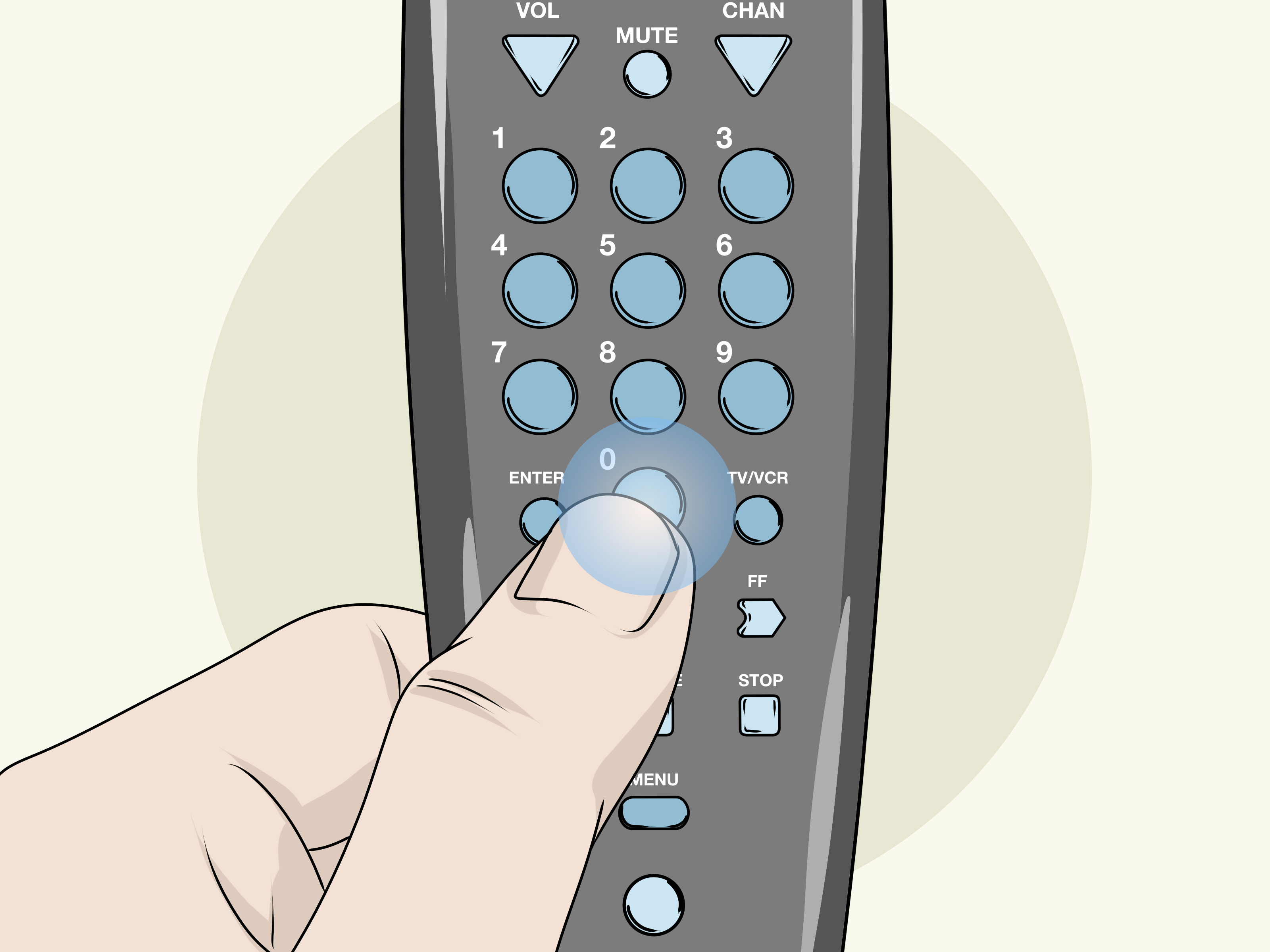
One universal remote can rescue a coffee table from the wilderness of abandoned clickers. But first, your RCA universal remote has to learn how to speak to your TV, cable box, DVD player, or streaming device. That is where manual code search comes in.
Manual code search is slower than typing in a code from a list, but it is often the best backup plan when you do not know the device brand, the included code sheet has disappeared into another dimension, or every listed code behaves like it has stage fright. Instead of guessing a specific number, the RCA remote tests one stored code at a time until your device responds.
This guide explains how to program an RCA universal remote using manual code search, how to save the correct code before it slips away, how to test whether it actually works, and what to do when the remote only turns the TV off but refuses to do anything else useful.
What Is RCA Manual Code Search?
RCA manual code search is a programming method that moves through the remote’s built-in library of infrared codes one at a time. Each press of the Power or ON/OFF button sends a different code to the device you are trying to control.
When the device turns off, you have found a code that can at least communicate with it. Your next job is to save that code quickly, then test important functions such as power, volume, channel controls, input selection, menu navigation, and playback buttons.
Think of manual code search as trying keys on a gigantic electronic key ring. It is not glamorous. It is not fast. But it can be remarkably effective when direct code entry fails.
Manual Code Search vs. Auto Code Search
| Method | How It Works | Best For |
|---|---|---|
| Direct Code Entry | You type a code from an RCA code list. | People who know the device brand and have the correct code list. |
| Auto Code Search | The remote cycles through codes automatically. | Faster setup when the remote model supports it. |
| Manual Code Search | You press Power repeatedly to test one code at a time. | Unknown brands, missing code lists, or stubborn devices. |
Manual code search gives you more control because you decide when the remote moves to the next code. That makes it useful when you want to watch carefully for the exact moment your TV, cable box, soundbar, or DVD player responds.
Before You Start Programming Your RCA Universal Remote
A few minutes of preparation can prevent a long session of pressing buttons while muttering suspicious things about consumer electronics.
Install Fresh Batteries
Weak batteries can cause intermittent infrared signals, dim indicator lights, or delayed responses. Use a matching pair of fresh batteries and make sure they are installed in the correct direction. A remote that looks alive but sends a weak signal can make manual code search feel impossible.
Turn On the Device Manually
Use the physical power button on the TV, cable box, DVD player, or other device before starting. Manual code search works by sending power commands until the device turns off, so the device must be on at the beginning.
Find the Device Button
Look for the button that matches the device you want to control. Depending on the RCA remote model, you may see labels such as:
- TV
- SAT/CBL, SAT•CBL, CABLE, or DBS/SAT
- DVD, DVD/AUX, or VCR/DVD
- VCR, VCR/AUX, or AUX
- STREAM, AUDIO, or a streaming-player button
Do not assume the label always tells the whole story. Some RCA remotes allow an AUX button to control a second TV, cable box, Blu-ray player, sound system, or streaming device. The exact button sequence varies by remote model, so inspect the labels before beginning.
Clear the Infrared Path
RCA universal remotes generally use infrared signals. Point the remote directly toward the front sensor area of the device. Remove obstacles such as cabinet doors, decorations, game controllers, giant snack bowls, or the family dog if the dog has decided the TV stand is a throne.
How to Program an RCA Universal Remote Using Manual Code Search
The most common RCA manual code search method uses a Code Search button, a device button, the Power or ON/OFF button, and an Enter button. Follow these steps carefully.
Method 1: RCA Remote With a Code Search Button
-
Turn on the device you want to control.
For example, turn on your TV using the button on the TV itself. -
Point the RCA remote directly at the device.
Keep the remote aimed at the device throughout the programming process. -
Press and hold the Code Search button.
Hold it until the indicator light comes on and stays lit. Release the button once the light remains on. -
Press the device button.
Press TV for a television, SAT/CBL for a cable or satellite receiver, or the appropriate button for the device you are programming. The indicator light usually blinks once and then stays on. -
Locate the Enter button before continuing.
Do not press it yet. You may need to press it quickly when the device turns off. -
Press Power or ON/OFF once every two or three seconds.
Each press sends the next stored code. Wait briefly after each press so the device has time to respond. -
Watch for the device to turn off.
The moment the device turns off, stop pressing Power. Do not celebrate too early; you still have to save the code. -
Press Enter immediately.
On many RCA remotes, this stores the working code. Some models require you to press Stop instead, so use the button indicated in your specific RCA manual if your remote does not have Enter. -
Turn the device back on and test the remote.
Press Power, Volume Up, Volume Down, Channel Up, Channel Down, Menu, Input, and other controls that matter for your setup.
Do not rush the repeated Power-button presses. Manual code search may require dozens or even hundreds of attempts because the remote is working through a large library of commands. Pressing too quickly can make it easy to miss the moment when the device responds.
Example: Programming an RCA Remote to a TV
- Turn on the television manually.
- Hold Code Search until the indicator light stays on.
- Press the TV button.
- Press Power every two or three seconds while aiming the remote at the TV.
- When the TV turns off, press Enter or Stop to save the code.
- Turn the TV back on and test volume, channels, menu, source input, and mute.
If the TV turns off but the volume buttons do not work, keep reading. You may have found a partially compatible code rather than the best one.
Example: Programming an RCA Remote to a Cable Box
- Turn on the cable box manually.
- Press and hold Code Search until the light stays on.
- Press SAT/CBL, CABLE, or the matching button on your remote.
- Press Power slowly until the cable box turns off.
- Press Enter or Stop immediately to lock in the code.
- Test channel buttons, guide, menu, navigation arrows, OK or Select, and number buttons.
For cable boxes, do not test only the Power button. A code may turn the box off but fail to open the guide, change channels, or navigate menus. The best code is the one that controls the most useful functions, not merely the one that passes the first trick.
Method 2: RCA Remotes Without a Code Search Button
Some RCA remote models do not use a separate Code Search button. Instead, they enter manual search mode by combining a device button with the Power button.
- Turn on the device manually.
- Press and hold the device button, such as TV, DVD, or SAT/CBL.
- While holding the device button, press and hold Power or ON/OFF.
- Keep holding both buttons until the indicator light changes, turns off, and then comes back on.
- Release both buttons when the light remains on.
- Press Power repeatedly until the device turns off.
- Press Stop, Enter, or the save button specified by your remote model.
- Test all major functions before calling the job finished.
This version of manual code search is common on RCA remotes with illuminated ON/OFF buttons. The button sequence can differ by model, especially for combination buttons such as VCR/DVD or DVD/AUX. When the device button has two labels, make sure the remote is set to the correct mode before starting the search.
How to Tell Whether You Found the Best RCA Remote Code
A device turning off is a promising sign, not a lifetime contract. Universal remotes often contain several codes that can partially operate the same brand of device. One code might handle Power and Volume but fail with Input. Another may control the menu correctly but ignore the channel buttons.
After saving a code, test the controls you actually use:
- Power on and off
- Volume Up, Volume Down, and Mute
- Channel Up and Channel Down
- Number buttons
- Menu, Guide, Home, and navigation arrows
- OK, Select, or Enter
- Input or Source
- Play, Pause, Fast Forward, Rewind, and Stop for media devices
If several important features do not work, repeat manual code search and continue past the first working code. On some models, you can let the device stay off, wait briefly, and keep pressing Power until it turns back on. That may reveal another compatible code worth testing.
Common RCA Manual Code Search Problems and Fixes
The Indicator Light Never Stays On
Replace the batteries and try again. Make sure you are holding the correct setup combination for your remote model. Some remotes use Code Search, while others require a device button plus Power. Pressing the wrong sequence can leave the remote in ordinary operating mode instead of programming mode.
The Device Never Turns Off
Confirm that the device is actually powered on. Aim directly at its infrared receiver and move closer. Check whether you selected the correct device category. A cable box programmed under the TV button may ignore every code in the search, no matter how determined you become.
If the remote has cycled through all available codes, the indicator light may blink several times and turn off. That can mean the remote does not contain a compatible code for the device, the wrong device type was selected, or the device requires a different control method.
The Remote Turns the Device Off but Nothing Else Works
This is one of the most common universal remote frustrations. The code may be only partially compatible. Repeat the search and test the next working code. It may take a few attempts, but a better code can restore volume, menu, input, or playback functions.
The Remote Works Only When You Stand Very Close
Replace the batteries, clean the remote’s front infrared window gently with a dry cloth, and remove obstacles between the remote and the device. Infrared remotes need a clear path, especially when the TV or streaming box is tucked inside a cabinet.
The Remote Suddenly Stops Working After a Battery Change
Some remotes retain programming when batteries are changed quickly, while others may lose settings after a long battery-free break. Write down the code once you find a reliable setup. Future-you will appreciate the note more than future-you appreciates nearly anything else.
Should You Use Manual Code Search or Direct Code Entry?
Use direct code entry first when you know the device brand and can access the correct RCA code list. It is usually faster and makes it easier to record the exact code immediately.
Use manual code search when the brand is missing from the list, when listed codes do not work, when the device may be sold under a different brand name, or when you have inherited a mystery television from a relative who calls every remote “the clicker.”
Manual search also helps with older equipment, less common cable boxes, discontinued DVD players, and devices that use a compatible code stored under another manufacturer name.
Real-World Experience: What Manual Code Search Is Actually Like
Manual code search sounds simple on paper: press a button, wait, press again, and watch for the device to shut off. In real life, it feels more like teaching a stubborn robot to recognize its long-lost cousin. The trick is not technical genius. It is patience, steady timing, and knowing what to do when you get a response.
The first common mistake is pressing Power too quickly. When someone taps Power five times in two seconds, they may skip over the code that would have worked. The device does not always react instantly, especially if it is waking from standby mode. A two- or three-second rhythm gives the TV or cable box enough time to receive the infrared command and react. It also gives you enough time to notice what happened before sending another command.
Another real-world lesson is that the first code that turns the device off is not always the winner. It is tempting to save it immediately, toss the old remote into a drawer, and declare victory. Then you discover that Volume Up does nothing, the Input button sends you somewhere mysterious, or the menu button acts like it has taken a personal day. A better approach is to test several essential controls right away. If Power works but the rest of the remote behaves badly, repeat the process and look for another code with broader compatibility.
Placement matters more than people expect. A remote aimed at the middle of the screen may work with some TVs, but the infrared sensor could be hidden near the bottom edge, behind a dark plastic panel, or near a manufacturer logo. During manual code search, point the remote directly at the lower front of the device and stay reasonably close. This is not the moment to test whether infrared signals can bounce around your living room like tiny invisible basketballs.
Combination devices can create extra confusion. A TV with a built-in Roku platform, Fire TV interface, cable box, soundbar, and game console may need more than one remote strategy. An RCA universal remote may control the TV’s power and volume perfectly while leaving smart-app navigation to the original remote. That does not necessarily mean the RCA remote failed. It may simply mean the device uses features that require Bluetooth, Wi-Fi, voice control, or a proprietary connection that a traditional infrared universal remote cannot duplicate.
It also helps to program one device at a time. Start with the TV because it gives you a clear visual signal when it turns off. Then move to the cable box, streaming device, DVD player, or soundbar. Write down which device is assigned to each remote button. An AUX button can become confusing quickly when it controls a second TV one month, a Blu-ray player the next month, and an ancient sound system after that.
Finally, treat your working code like useful household information. Write it inside the remote’s battery compartment, on a label near the TV stand, or in a note on your phone. When batteries die at 11:47 p.m. during a movie, you will not want to begin another manual code search from scratch. You will want the answer waiting where you can find it.
Final Thoughts
Programming an RCA universal remote using manual code search is not difficult, but it does reward patience. Turn on the device, enter programming mode, select the correct device button, press Power slowly until the device responds, save the code immediately, and test more than one function.
The biggest mistake is assuming that a code is perfect simply because it turns the TV off. Test the buttons you use every day. A few extra minutes spent checking volume, channels, menus, and inputs can save you from repeating the entire process later.
Once you find the best code, write it down. That small step turns your RCA universal remote from a temporary truce with technology into a genuinely useful part of your home entertainment setup.
Note: RCA remote layouts, device buttons, indicator-light patterns, and save keys can vary by model. Use this guide as a general manual code search method, then confirm the exact sequence in the manual for your specific RCA remote model.